
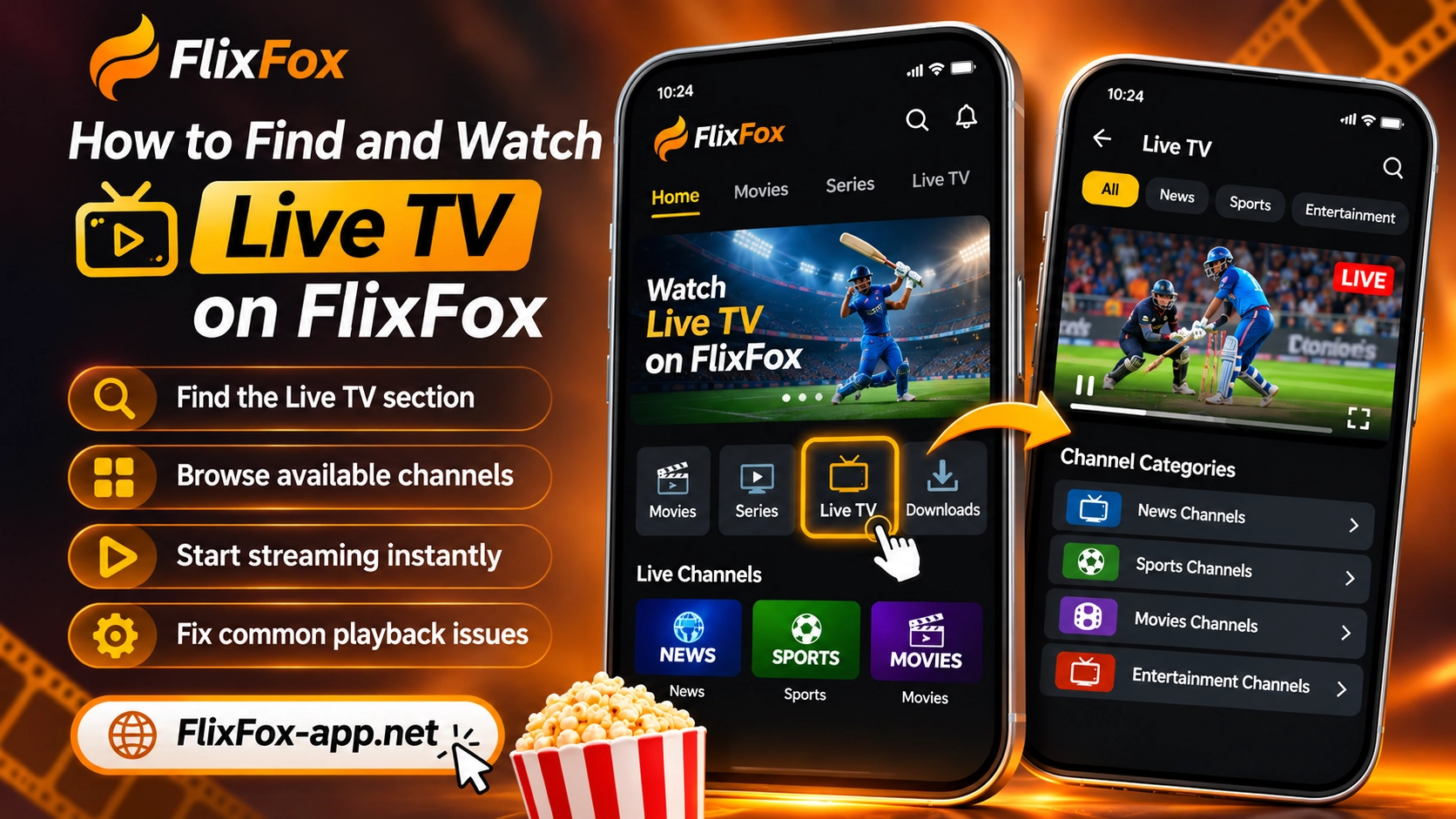

How to Find and Watch Live TV on FlixFox
Finding a live channel should not feel like searching through endless menus. When using this app you want to find interesting content and start watching without wasting time. However, channel availability and navigation can vary between application versions.
FlixFox APK users should first check whether their installed version includes a Live TV section. Not every version necessarily offers the same television features. This guide explains how to explore available channels, start playback, and handle common streaming problems.
Find the Live TV Section
Start by opening the application’s main screen. Examine its navigation menu for options such as Live TV or Live Channels. The exact label may differ between versions. If you cannot find the section, review the remaining menus first. Some interfaces display content categories directly on the homepage. If FlixFox APP does not show a Live TV option, your installed version may not support that feature.
Browse Channels More Efficiently
A large channel list can become confusing. Instead of opening every option, look for categories that match your viewing interests. Depending on the interface, you may find different types of programming. The available categories and channel names depend on the content provided by your version of FlixFox HD.
Use this simple browsing method:
- Open the relevant channel category.
- Review the displayed channel names.
- Select a channel that appears available.
- Wait for its player to load.
- Return to the list when choosing another channel.
This approach makes browsing easier. It also helps identify whether a problem affects one channel or several.
Start Watching a Live Channel
Flix Fox provides access to playback controls only when they are available in your installed version. After selecting a channel, give the stream time to load. Some sources start quickly, while others may take longer.
Follow these steps:
- Open the Live TV section.
- Choose an available category.
- Select your preferred channel.
- Wait for the video player.
- Adjust volume or full-screen controls if available.
Avoid repeatedly tapping the channel while it is still loading. Give the player a moment to respond.
Understand Common Live TV Problems
A channel may fail because of an unavailable source, an unstable connection, or temporary application issues. This table helps identify the likely cause.
| What happens? | Possible reason | What to try |
|---|---|---|
| Channel keeps loading | Weak connection | Check your internet |
| Black screen appears | Source unavailable | Try another channel |
| Video stops suddenly | Connection interruption | Restart the stream |
| Only one channel fails | Channel-specific issue | Test another option |
| Several channels fail | App or network issue | Restart and test again |
| No Live TV section appears | Feature unavailable | Review app menus |
If other channels work normally, the problem may be limited to one source. When FlixFox for PC cannot play several channels, check your connection and restart the application before changing other settings.
Improve Streaming Stability
Live television depends on a consistent internet connection. A weak signal can cause repeated loading and interrupted playback.
Try these practical adjustments:
- Connect to a reliable Wi-Fi network.
- Move closer to your router.
- Pause large background downloads.
- Close unnecessary applications.
- Restart your device if playback remains unstable.
If manual video quality settings are available, choose an option suitable for your connection. Not every version provides these controls, so use only the settings displayed by FlixFox for Android TV.
What If Live TV Is Missing?
A missing Live TV section does not automatically indicate an installation problem. Your version may have a different interface or may not include that feature.
First, review the main menu and available content sections. Then check whether a legitimate compatible update is available from a trusted source. If FlixFox apk download still has no Live TV option, avoid assuming that an update will necessarily add it.
Never install modified versions simply because a website promises additional channels. Such files may introduce security risks and may not provide the advertised features.
Make Channel Browsing Easier
Once you find a working channel, remember its name for future viewing. If FlixFox TV app includes a favourites feature, you can use it to organise frequently watched options.
Also, compare channels before settling on one. Check whether the picture loads correctly and whether the audio remains stable. Channel availability can change, so a displayed name does not guarantee continuous access.
Final Thoughts
Finding Live TV starts with understanding your application’s navigation. Explore the available sections, choose a channel, and allow the stream to load. If playback fails, test another channel before changing device settings. The key is to identify whether the issue affects one source or the entire application. When FlixFox latest version offers live television in your installed version, these steps can help you browse channels and handle common playback problems more efficiently.