
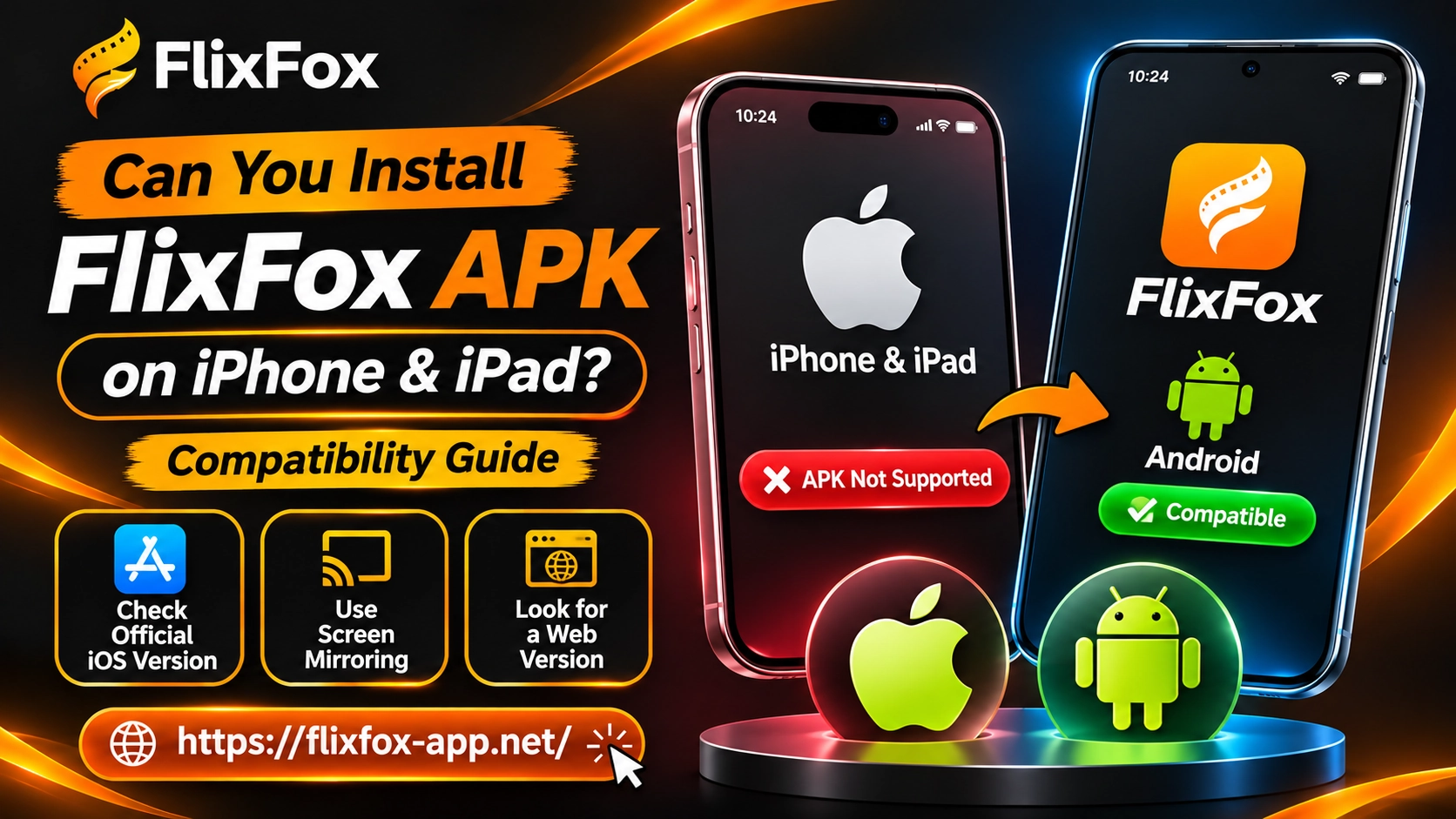

Can You Install FlixFox on iPhone and iPad? Compatibility Guide
Finding an entertainment application for your device should not be complicated. However, problems arise when an application is designed for a different operating system. This is exactly what happens when iPhone users try downloading Android installation files.
So, can you use FlixFox on an Apple device? The answer depends on the availability of a compatible iOS application. This guide explains the limitations, possible alternatives, and important things to check before downloading anything.
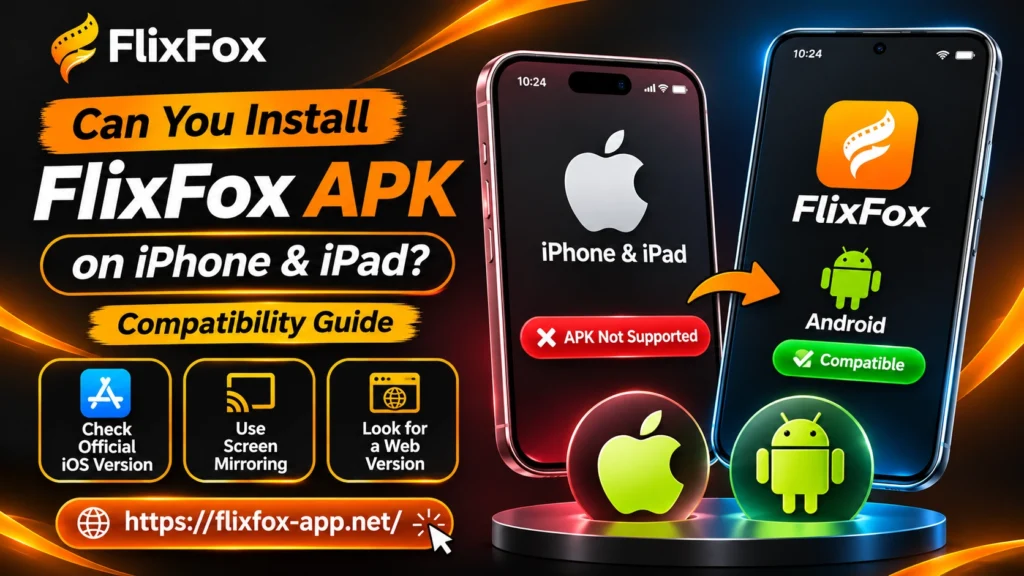
The Short Answer: Does FlixFox Work on iOS?
An Android APK cannot be installed directly on an iPhone or iPad. Apple’s devices use iOS and iPadOS, while Android applications require a different software environment.
Therefore, downloading FlixFox iOS through Safari will not install a working application. Transferring the file through email or cloud storage will not change this limitation either.
However, this does not mean an official iOS version can never exist. It simply means that an Android package cannot replace an application developed for Apple’s platform.
Why Your iPhone Cannot Open an APK File
The problem is not your phone’s storage or internet connection. Instead, Android and Apple use different application formats and installation systems.
Here is how they differ:
| Platform | Application Environment |
|---|---|
| Android phones | Android APK packages |
| iPhone | Apple iOS applications |
| iPad | Apple iPadOS applications |
| Windows PC | Windows software or Android emulators |
For example, Android applications may depend on services and system components that iOS does not support. Consequently, renaming an APK file or changing its extension cannot make it compatible. The same limitation applies to FlixFox for Apple. Developers would need to provide a separately developed or adapted iOS application for native Apple-device support.
How to Check Whether an Official iOS Version Exists
Before searching for alternative downloads, check the application’s official availability. This helps you avoid fake versions and misleading installation offers.
Use this simple verification process:
- Open the Apple App Store on your iPhone or iPad.
- Search for the exact application name.
- Check the developer’s identity and application details.
- Review the compatibility requirements.
- Visit the developer’s official website for release announcements.
Additionally, check whether the application supports your installed iOS or iPad version. An Android download page alone cannot confirm iOS availability. If no verified listing or announcement exists, treat claims about an official Apple version as unconfirmed.
What Can You Do Instead? Three Practical Options
Although native APK installation is unavailable, you can consider other approaches. However, each option has different requirements and limitations.
1. Use a Compatible Screen-Mirroring Method
If you already have an Android device running the application, screen mirroring may offer another viewing option.
The general process involves connecting both devices through compatible screen-sharing technology. Depending on the software, you may need a Wi-Fi connection or a separate receiver application.
However, mirroring does not install FlixFox for ipad on your iPhone. It only displays content from another device.
2. Check for an Official Web Version
Some entertainment services provide browser-based access. If FlixFox officially offers a compatible web version, you may be able to access it through Safari.
First, visit the official website and check for a genuine browser-based service. Avoid websites that imitate the original branding or redirect you to unrelated downloads.
Importantly, an ordinary website is not automatically a web application. Confirm that the service actually supports browser playback.
3. Wait for Verified iOS Availability
If native iPhone access is important, the safest approach is to wait for a confirmed Apple-compatible release.
Meanwhile, check official announcements and the App Store periodically. Do not trust third-party websites simply because they display an iPhone download button.
Five Warning Signs of Fake iPhone Download Pages
Searching for FlixFox pc on an iPhone may lead to websites promising instant iOS installation. Some of these pages use misleading buttons or unsupported claims.
Watch for these warning signs:
- Fake App Store buttons: The button redirects to an unrelated website.
- Unknown configuration profiles: The page asks you to install an unfamiliar profile.
- Unverified developer details: No reliable developer information is provided.
- Unusual permission requests: The website asks for unnecessary access.
- Guaranteed APK conversion: It claims to convert Android files into working iOS apps instantly.
For safety, never share your Apple ID password with unofficial websites. Also, avoid installing profiles you cannot verify.
Common Questions About FlixFox on Apple Devices
Can I open an APK file using Safari?
Safari may download a file, but it cannot install an Android application on iOS.
Will changing the APK extension make it work?
No. Changing a filename does not change the application’s underlying software or format.
Can jailbreaking install Android applications?
Jailbreaking does not automatically make Android applications compatible. Furthermore, it can introduce security and stability risks.
Can I use an Android emulator on an iPad?
A standard desktop Android emulator cannot simply be installed as a normal iPad application. Therefore, avoid websites promising guaranteed Android emulation through a simple download.
Should I download FlixFox APK from an iPhone download website?
Only download files from sources you trust like https://flixfox-app.net/ . An Android APK remains incompatible with native iOS installation, regardless of the website offering it.
Final Verdict
iPhone and iPad users cannot install Android APK packages directly. Nevertheless, compatible screen mirroring or a verified web version may provide alternative viewing options if officially supported. Before searching for FlixFox For Macbook, identify your device’s operating system. Then check official availability rather than relying on third-party installation promises. This simple distinction can save time and protect your device from suspicious downloads.