
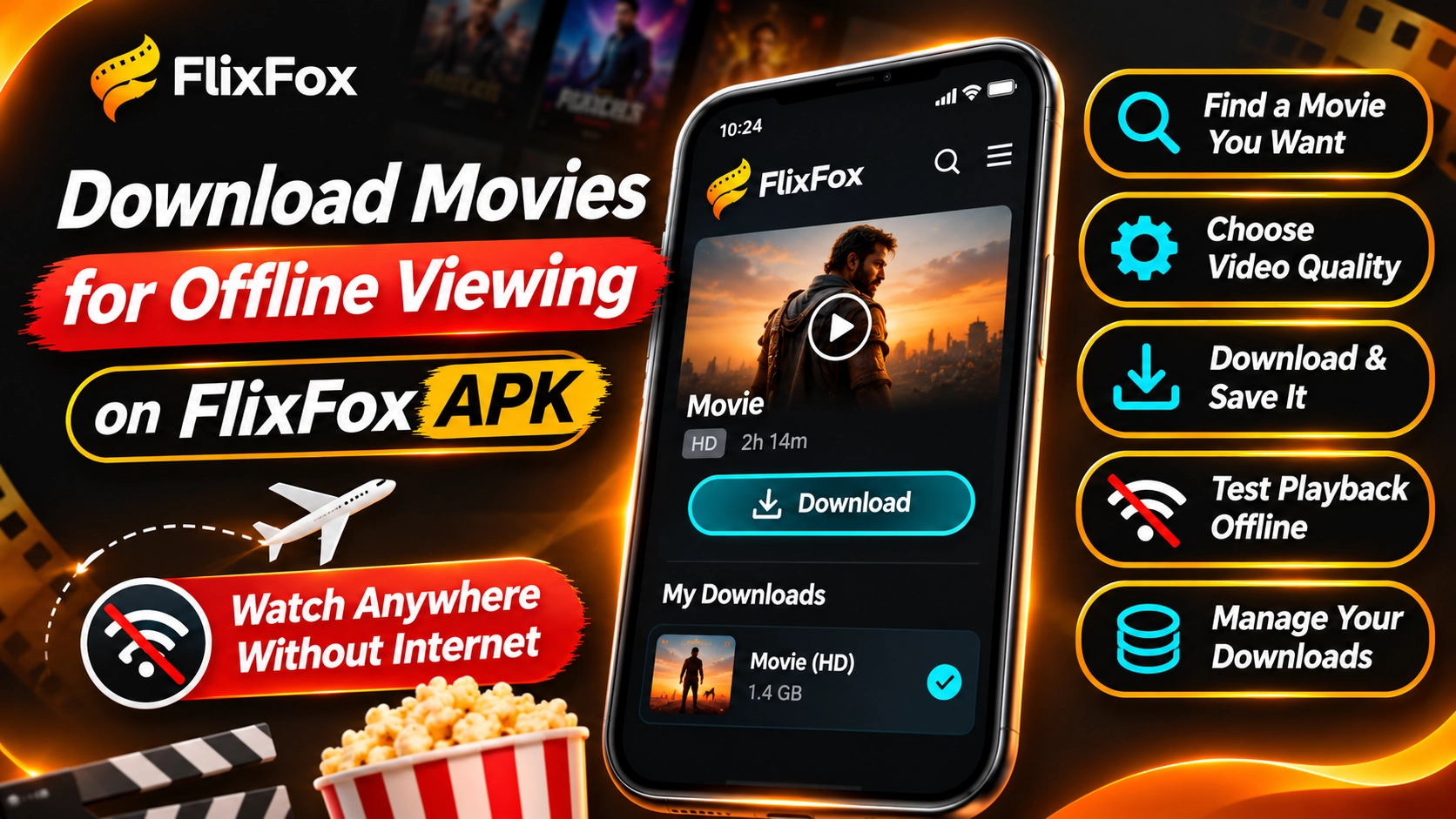

How to Download Movies for Offline Viewing on FlixFox
Imagine saving a movie for a long journey, only to discover it will not play without internet. That defeats the whole purpose of offline viewing. Before relying on FlixFox, check whether your version supports downloads and whether your selected title can be saved. Not every movie or application version necessarily offers offline access. Therefore, do not assume every streaming title has a download option. FlixFox APK users should first check the available controls inside their installed application.
This guide covers choosing titles, managing storage, checking downloads, and testing playback without internet. The goal is simple: prepare your entertainment before you actually need it.
Choose Movies You Will Actually Watch
Start by planning your offline collection. Downloading random titles wastes storage and makes your saved library harder to manage.
For a short journey, one movie may be enough. Longer trips might require a movie and a few episodes. Open FlixFox, browse its available categories, and select a title you genuinely want to watch.
Open its details page and look for a Download button. If FlixFox HD does not show this option, that particular title may not support offline saving. Check another title before assuming something is wrong.
Select Quality Before Saving
Video quality affects file size and storage usage. If the application offers quality options, choose according to your device.
- SD: Useful for smaller screens and limited storage.
- HD: Offers clearer details but needs more space.
- Higher quality: Choose only when available and storage allows.
Do not select the highest setting automatically. A smaller file may be more practical when preparing several movies.
Complete the Download
Once you find a supported title, follow the available download controls:
- Open the movie or episode.
- Tap Download, if available.
- Select quality when offered.
- Confirm your selection.
- Wait until the transfer finishes.
Keep your internet connection stable during this process. If FlixFox APP provides a download manager, check its progress there. Do not treat a partially downloaded file as ready for offline viewing.
Test Playback Before Travelling
This is the step many users overlook. A completed download does not always guarantee offline playback.
After downloading, open the saved-content section. Turn off Wi-Fi and mobile data temporarily. Then select your movie and try playing it.
If playback fails, reconnect and check whether the download completed properly. Also, confirm whether the title requires an internet connection. Testing FlixFox For Android before travelling helps you avoid discovering this problem when you have no connection.
Find Your Saved Movies
Downloaded videos may not appear in your phone’s gallery. Some applications store them inside protected app storage.
Look for sections named Downloads, My Downloads, or Offline Library. The exact label depends on your installed version.
If the app provides an internal download library, use that section to access saved titles. You may not be able to move these files into another video player.
What If the Download Option Is Missing?
A missing button does not automatically mean your application is broken.
| What you notice | Possible explanation |
|---|---|
| One title has no button | Title may not support downloads |
| No titles show downloads | Feature may be unavailable |
| Transfer stops midway | Connection or storage issue |
| Saved movie will not play | Incomplete file or playback restriction |
If FlixFox PC does not provide offline saving in your version, streaming may be the only available option. Avoid unofficial modified versions promising unverified features.
Keep Your Offline Library Organised
Downloaded movies can quickly consume storage. Remove titles after watching them and delete incomplete transfers you no longer need.
Before clearing app data or uninstalling FlixFox, remember that locally saved content may disappear. Check what the application stores before making changes. Regularly managing your FlixFox hd video player downloads also leaves more room for new content.
Final Thoughts
Offline viewing needs preparation, not guesswork. Choose supported titles, select sensible quality, and test playback before leaving home. When FlixFox old apk offers a download option, use it carefully and manage saved files regularly. If a title cannot be saved, check its availability instead of relying on unofficial workarounds.